


Serum Tutorials
How to Make a Skrillex Growl in Xfer Serum
How to Make a Skrillex Growl in Xfer Serum
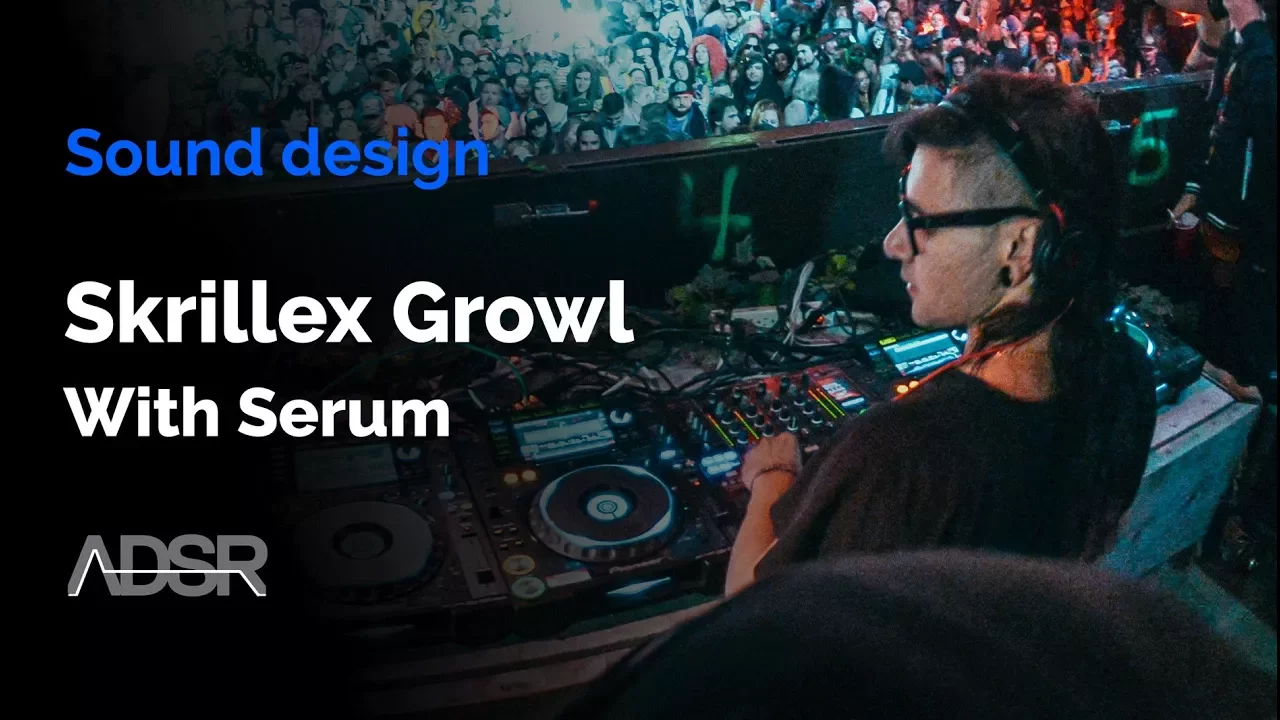
In this tutorial, you’ll learn how to create a powerful Skrillex-style growl bass using Xfer Serum. This technique uses FM synthesis, wavetable manipulation, and creative effects processing to recreate the aggressive tone that defined modern dubstep.
Whether you’re designing from scratch or tweaking existing Serum presets, this guide will help you capture that signature growl sound while keeping your workflow inside a single synth. If you produce dubstep, bass house, or drum & bass, this one’s for you.
1. Build the Core Wavetable
Begin by creating your own wavetable or loading one with sharp harmonics. In the video, Larson from ADSR uses a custom table built from multiple FM operators to generate harsh, metallic tones.
Here’s the approach:
- Operator A: Base waveform with strong midrange harmonics.
- Operator B & C: Modulate A for added grit and motion.
- Operator D: Adds subtle sine FM to balance high-end texture.
The result is a raw, aggressive wavetable ready for shaping. You can also experiment with Serum’s Analog or Digital wavetables — or grab one from your favorite Dubstep Serum preset packs to speed up the process.
2. Modulate for Movement
Once your base tone is ready, it’s time to add movement. The key to a good growl is constant modulation — making the sound feel alive.
- Use LFO 1 to modulate the Wavetable Position.
- Set it to a 1 Bar loop for evolving articulation.
- Apply a second LFO to modulate FM Amount and Filter Cutoff.
This creates the signature “talking” effect of a Skrillex-style growl — all within Serum’s internal modulation engine.
3. Sculpt with Filters and Effects
Next, use Serum’s Band-Pass Filter to focus the midrange frequencies. Add moderate resonance and link it to your main LFO for rhythmic movement. This makes the growl articulate more naturally, mimicking a formant filter.
Then, shape the sound further with Serum’s built-in effects rack:
- Distortion (Diode II Mode): Adds warmth and aggression.
- Phaser: Set to around 50 Hz for a deep, rumbling tone.
- EQ: Cut low-mids around 300Hz to remove mud.
- Multiband Compressor (OTT): Glues the sound and enhances punch.
- Dimension Expander: Adds stereo width while keeping low end centered.
Each layer helps the growl evolve — from a raw FM tone into a professional, mix-ready bass patch.
4. Add Sub and Final Touches
No growl is complete without a solid low end. Enable Serum’s Sub Oscillator in sine mode and keep it clean and mono. You can also blend in subtle noise or hyper-dimension for texture and space.
Experiment with automation in your DAW — modulating filter cutoff, distortion drive, or wavetable position over time can create unique growl variations and transitions.
5. Take It Further with Serum 2
In Serum 2, you can push this sound design even further with dual filter routing, granular oscillator modes, and expanded modulation — perfect for creating evolving dubstep basslines that morph and move dynamically throughout your track.
6. Explore Dubstep Serum Presets
If you’re looking for instant inspiration or professional-quality growls to reverse-engineer, check out our curated selection of Dubstep Serum Preset Packs. These include expertly designed growls, reeses, leads, and subs that demonstrate how pros shape FM and distortion inside Serum.
You can also browse our full library of Serum Presets to find sounds for any genre — from trap to techno and everything in between.
Learn More:
Creating a Skrillex growl in Serum is all about precision, modulation, and experimenting with filters and effects. With practice — and the power of Serum 2 — you’ll be designing world-class bass sounds that define the next generation of electronic music.
#Serum2 #Dubstep #SoundDesign #SerumPresets #XferSerum #BassMusic
Presets for this tutorial
Serum presets producers buy most · royalty-free, instant download
3300 Presets - Anniversary BUNDLE
$25.00 $379.99 Save 355$


3000 Presets - 10 Year MEGA BUNDLE
$25.00 $537.00 Save 512$

Neon Lights - Synthwave & Future Chill BUNDLE
$19.99 $83.99 Save 64$
 5 Power Tips for Musical Filtering in Xfer Serum – Unlock Sound Design with Echo Sound Works4 Dec 2025
 Serum 2 – Everything NEW in Serum 2 (2025)30 Oct 2025
 Serum 2 – What’s New in Serum 2 for Music Producers29 Oct 2025Top 10 Serum Presets (October 2025)29 Oct 2025
 Xfer Serum 2 : A Game-Changing Update for Sound Design25 Mar 2025
RELATED COURSES


MAKE BETTER MUSIC
Subscribe to  YOUTUBE
Join 310,000+ music producers & get new tutorials daily!
5 Power Tips for Musical Filtering in Xfer Serum – Unlock Sound Design with Echo Sound Works4 Dec 2025Serum 2 – Everything NEW in Serum 2 (2025)30 Oct 2025Serum 2 – What’s New in Serum 2 for Music Producers29 Oct 2025Top 10 Serum Presets (October 2025)29 Oct 2025Xfer Serum 2 : A Game-Changing Update for Sound Design25 Mar 2025