$0.00 0

YOUR CART
Checkout

SUBTOTAL
DISCOUNT
VAT
TOTAL
Checkout
Banner
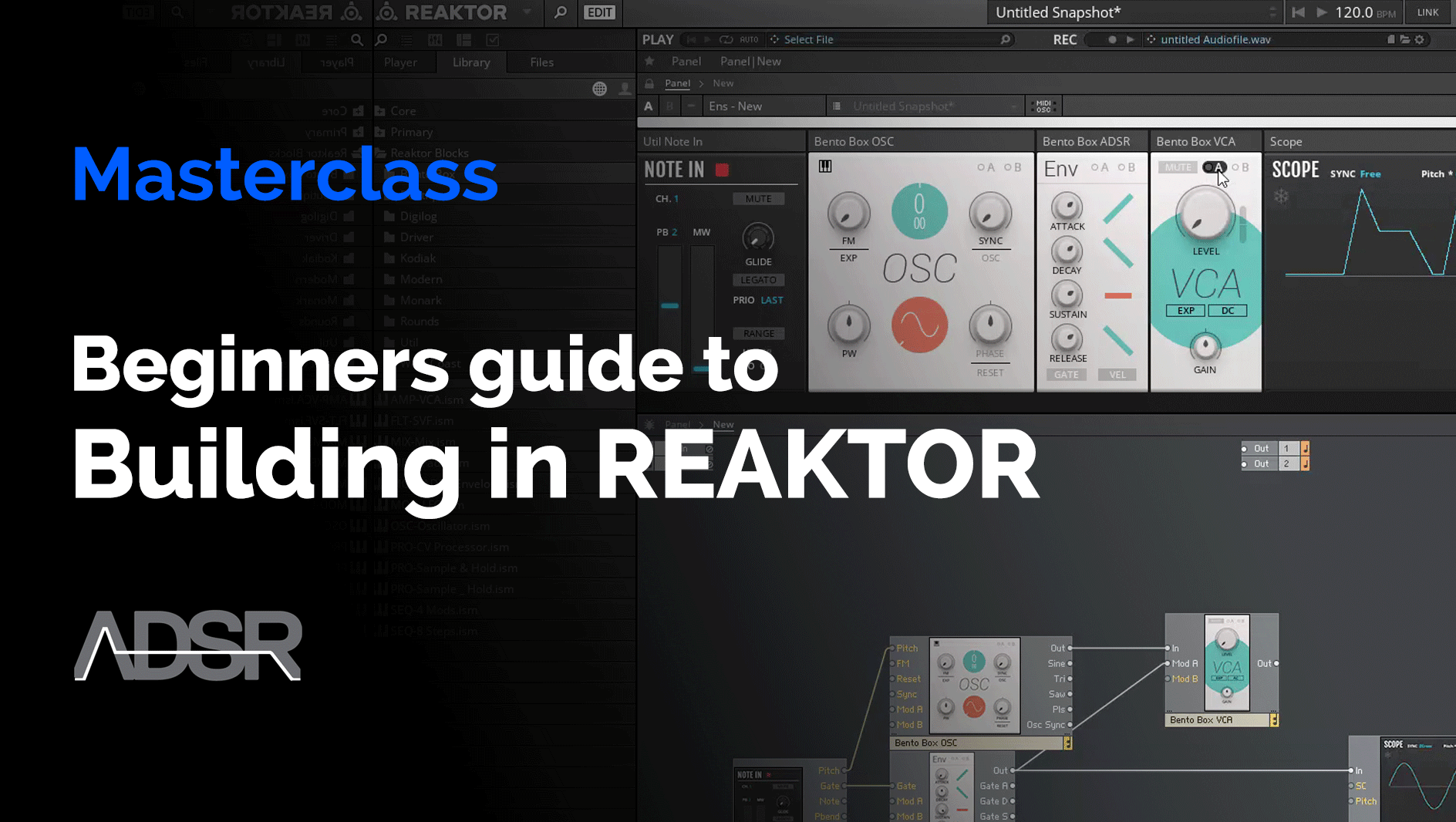
In this video, I show how to use an LFO to control the morph position of a Snapshot module....

In this video, I show how to use an LFO to control the morph position of a Snapshot module. Using a simple technique to select a random snapshot to morph into at the beginning of each new cycle allows for an easily created, ever-changing sound. Snapshot morphing is a fun, simple way to make unique sounds!

You can see part I of this series here.

As you can hear in the sound sample at the end of the video, the sound keeps morphing through the selected ‘A’ snapshot (the one selected in the user interface), while constantly choosing new, random snapshots to morph into. Since all the switch values are chosen by the ‘A’ snapshot, a certain level of congruity is maintained between the selected sounds.

The great thing about the macro created in this video is that it can easily be added to a plethora of Reaktor ensembles and create totally new sounds with ease. As a demonstration, Lazer Bass is used, which is particularly suited to the task as a monophonic ensemble.

Instruments for this tutorial

Reaktor instruments producers buy most · royalty-free, instant download
See all →
WISHLISTS
Create an account to use wishlists
×
SAVE TUTORIALS
Create an account to save tutorials
×
FOLLOW YOUR FAVORITES
Follow your favourite labels, formats and genre's and ADSR will show what's new in those on your next visit.
×
  • Create product wishlist
  • Save your favorite tutorials
  • Regular discounts and exclusives
  • Never miss a sound! Follow your favorite labels.
Sign up to My ADSR to ensure you're ahead of the pack. Save your favorite content and be notified of new content. You'll never miss a thing!
Create your account now!
CREATE ACCOUNT
Sign up to My ADSR to ensure you're ahead of the pack. Save your favorite content and be notified of new content. You'll never miss a thing!
  • Get days all ADSR courses free
  • Create product wishlist
  • Save your favorite tutorials
  • Regular discounts and exclusives
Create your account now!
SIGN IN
adsrsounds.com login Video streaming login
Remember me
Forgot your password?
DON'T HAVE AN ADSR ACCOUNT?
Create your account
FORGOT PASSWORD

Send info
  1. Enter your email address
  2. Click "Send info"
  3. Check your inbox for an activation link
  4. Visit activation link and enter set new password
Sign in
DON'T HAVE AN ADSR ACCOUNT?
Create your account
IMPORTANT: Is this product compatible with your system? Please check the product system requirements tab before purchasing. To proceed with this purchase you must check the box to confirm you have checked the requirements.


I have read the system requirements and agree to the return policy. I understand that refunds will not be given due to limitation of my software or operating system.

I don't agree
, you have loyalty credit available. To redeem click the button to claim !
Claim
Claim your free sounds

For every $5 you spend on ADSR receive 1 free credit for Sample Manager.

Even better, we have back-dated this so any purchases you made since 2017 have also been credited to your account!

Click the button below to claim your free credit.

Get my free credits
Loyalty credits
1Every purchase you make on ADSR* now earns you 1 loyalty credit for every $5 spent
2Once you make a purchase your credits are added to your account
3Credits can be redeemed in ADSR Sample Manager to download individual loops and samples
4To redeem simply download ADSR Sample Manager and/or log into Sample Manager with your ADSR login details
5Credits will have been automatically added to your account
6Loyalty credits expire 30 days after initial purchase
* Not including video subscriptions
Waveform Loaded
Waveform Played
×
PLAYLIST
Clear all