




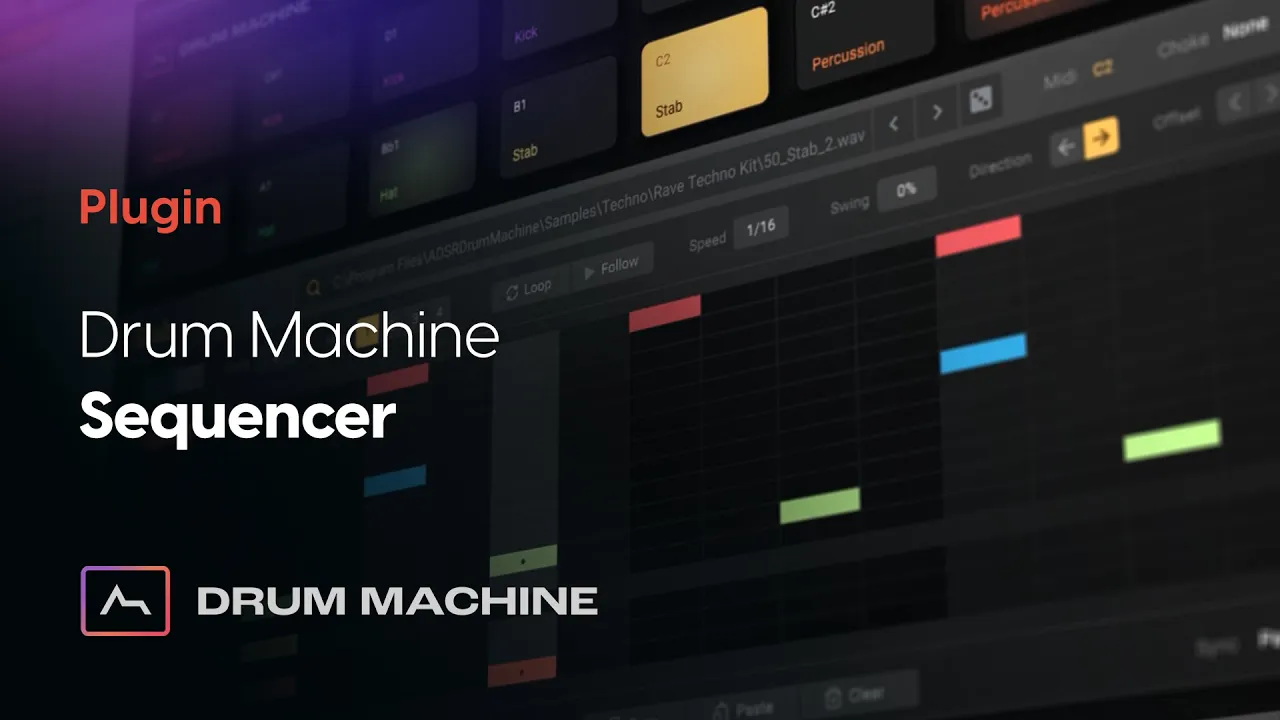
The ADSR Drum Machine is more than just a drum plugin — it’s a complete beat creation ecosystem. In this tutorial, Simon Stokes from ADSR walks through one of its most creative and performance-ready features: the Sequencer. Learn how to copy, modify, and switch patterns live, program polyrhythms, and make every groove evolve in real time.
🎛️ Get ADSR Drum Machine →
🎧 Explore ADSR Drum Machine Expansions →
Inside the ADSR Drum Machine Sequencer
The sequencer in ADSR Drum Machine is both simple and powerful. Each pad has its own step lane, allowing you to create intricate rhythmic patterns directly inside the plugin — no external sequencer required. In Simon’s demo, he starts with a Techno Kit and builds out a full groove using just the built-in step sequencer.
You can easily add, remove, or draw notes by clicking steps, and visually adjust velocity to add humanized feel. Each lane supports up to 128 steps, allowing everything from tight loops to evolving patterns.
Creating Variations with Patterns
ADSR Drum Machine lets you store multiple patterns per project. Simon demonstrates how to copy your existing pattern and paste it into a new slot — perfect for creating subtle variations, like adding extra hi-hats or changing snares between sections.
Switching between patterns is instant and flexible:
- ⏱ End-of-bar sync mode ensures transitions are seamless.
- 🎹 Or disable sync for free pattern switching — ideal for live performance or jamming.
Even better, if you have a MIDI keyboard connected, you can trigger pattern changes directly from your keys. For example, pressing C-2 switches to Pattern 1, while C#-2 moves to Pattern 2 — an incredibly intuitive way to jam and perform beats live.
Building Polyrhythms and Advanced Patterns
One of the most powerful aspects of the sequencer is its ability to create independent step lengths for each pad. Simon shows how you can take a hi-hat lane and set it to a 3-step pattern while the kick runs in 4/4 — instantly introducing polyrhythms and evolving grooves.
By adjusting note velocity and step length, you can add groove, swing, and rhythmic complexity — a feature many DAW sequencers can’t match natively.
Live Performance and Jamming
The ADSR Drum Machine sequencer was designed for both studio production and live performance. Pattern switching, loop editing, and note drawing happen in real time — with instant feedback and smooth playback. Whether you’re jamming ideas, building sections, or performing live, it keeps the groove flowing.
💡 Pro Tip: Combine the sequencer with the Split Pads feature to tweak your drum sound’s transient and body independently while sequencing your patterns.
Why Producers Love ADSR Drum Machine
- 🎚️ Step sequencing per pad with adjustable lanes and velocity control
- 🎛️ Real-time pattern switching for live performance
- 🎵 Polyrhythmic and polymetric sequencing support
- 🎹 MIDI control for triggering patterns and grooves
- 🔊 Seamless integration with ADSR Drum Machine Expansions
These features make it one of the most flexible and expressive drum machines for modern producers — especially in genres like techno, house, and bass music.
Expand Your Sound Library
Pair the sequencer with custom expansions to keep your beats fresh. ADSR’s exclusive Drum Machine Expansions add new kits, patterns, and genres — from classic 909 techno to experimental foley percussion.
Final Thoughts
The sequencer inside ADSR Drum Machine isn’t just a utility — it’s a creative instrument in its own right. From quick sketching to live pattern jamming and deep rhythmic experimentation, it gives you total control over groove and flow.
🔥 Download ADSR Drum Machine today and experience next-level beat-making with its intuitive sequencer and Split Pads workflow.
Related: ADSR Drum Machine Expansions · Arturia Pigments 5 · Drum Samples


 YOUTUBE
